
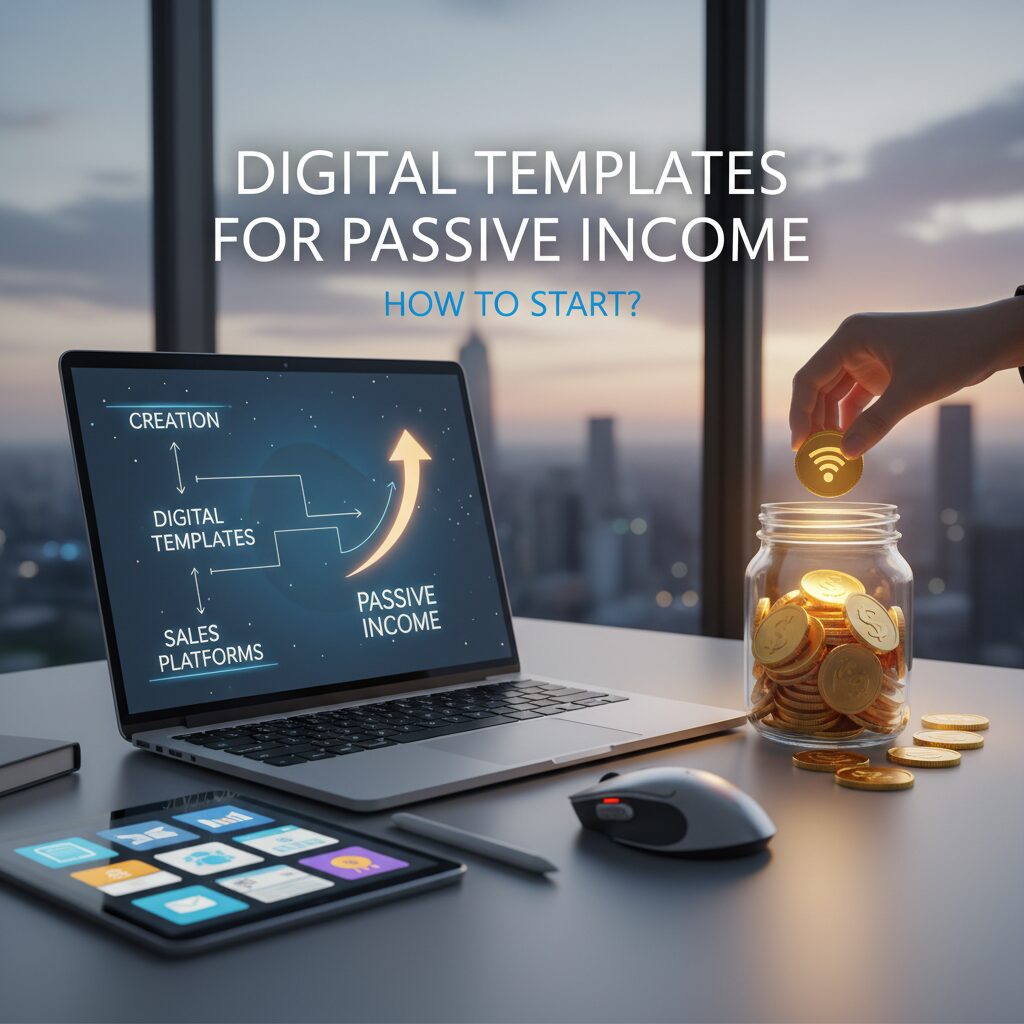
Digital Templates for Passive Income: How to Start & Scale in 2025
Imagine waking up to $200 in sales notifications from a file you created once, three years ago. You didn’t have to ship a box, manage inventory, or even speak to a customer. That is the reality of the asset-based digital economy.
In my experience working with digital entrepreneurs, the phrase “passive income” is often thrown around loosely. But selling digital templates is one of the few business models that truly fits the definition. You build the asset once, and the internet scales the distribution infinitely.
However, the landscape has changed. You can no longer just upload a generic “To-Do List” to Etsy and hope for the best. To succeed in 2025, you need a strategy backed by market data.
This guide moves beyond generic advice. We will explore a data-backed roadmap to building a scalable digital template business using the latest tools, AI integration, and high-demand niches.
Why Digital Templates Are the Ultimate Passive Income Model
Before we dive into the “how,” it’s crucial to understand why this model is economically superior to traditional e-commerce or freelancing. It comes down to one concept: The Zero Marginal Cost of Replication.
The Zero-Inventory Advantage
When you sell a physical planner, every sale costs you money in manufacturing, shipping, and storage. When you sell a digital planner template, the cost to duplicate that file for the 1,000th customer is exactly zero. This allows for profit margins that often exceed 90%.
According to Whop’s 2025 Digital Products Statistics, 68% of internet users aged 16+ paid for some form of digital content each month in 2025. The consumer behavior has shifted; people are comfortable buying intangible assets that save them time.
The “Build Once, Sell Forever” Loop
This is where the magic happens. A template is an asset. Unlike a service where you trade hours for dollars, an asset works for you. I’ve seen creators upload a wedding budget spreadsheet in 2022 that still generates $500/month today without a single update.
The current valuation of the creator economy, projected to nearly double to $480 billion by 2027.
2025 Market Growth & AI
Some skeptics ask, “Isn’t the market saturated?” The answer is no, but the *generic* market is. The opportunity now lies in specialized, high-utility templates.
Furthermore, the workforce is changing. According to the IMF (International Monetary Fund), almost 40% of global employment is exposed to AI. This is creating a massive demand for productivity tools, organizational systems, and templates that help workers adapt to this new digital reality.
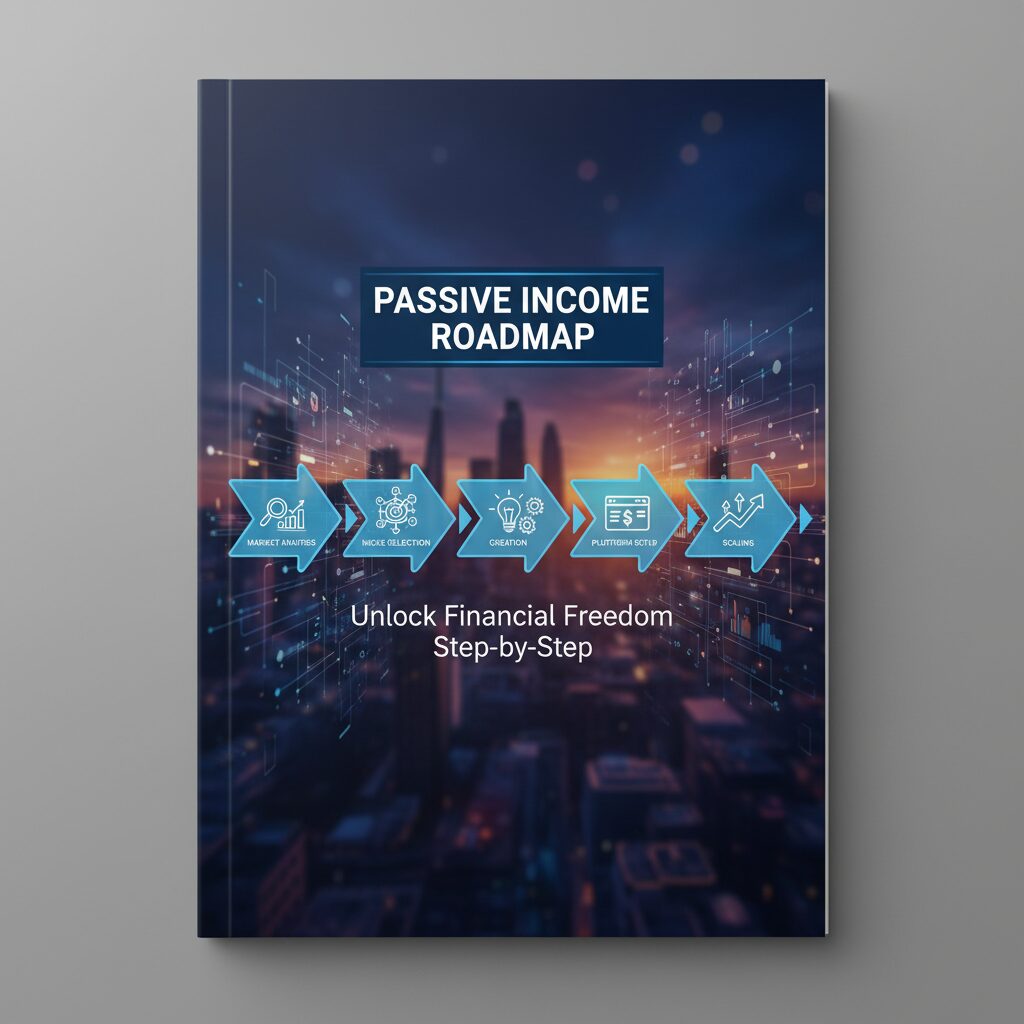
Step 1: Choosing a Profitable “Problem,” Not Just a Template
The biggest mistake I see beginners make is starting with the design. They think, “I’ll make a pretty calendar.” That is the wrong approach. You must start with a pain point.
The “Pain Point” Strategy
People don’t buy templates; they buy solutions to their stress. A “Pretty Spreadsheet” is a luxury; a “Wedding Budget Tracker that calculates cost-per-guest automatically” is a necessity for a stressed bride.
In a compelling case study, marketing expert Katya Varbanova generated $1.4 million in under 3 years selling Canva templates. She didn’t just sell “social media graphics”; she sold “Viral Content Kits” that solved the pain point of business owners who didn’t know what to post. She sold time and confidence.
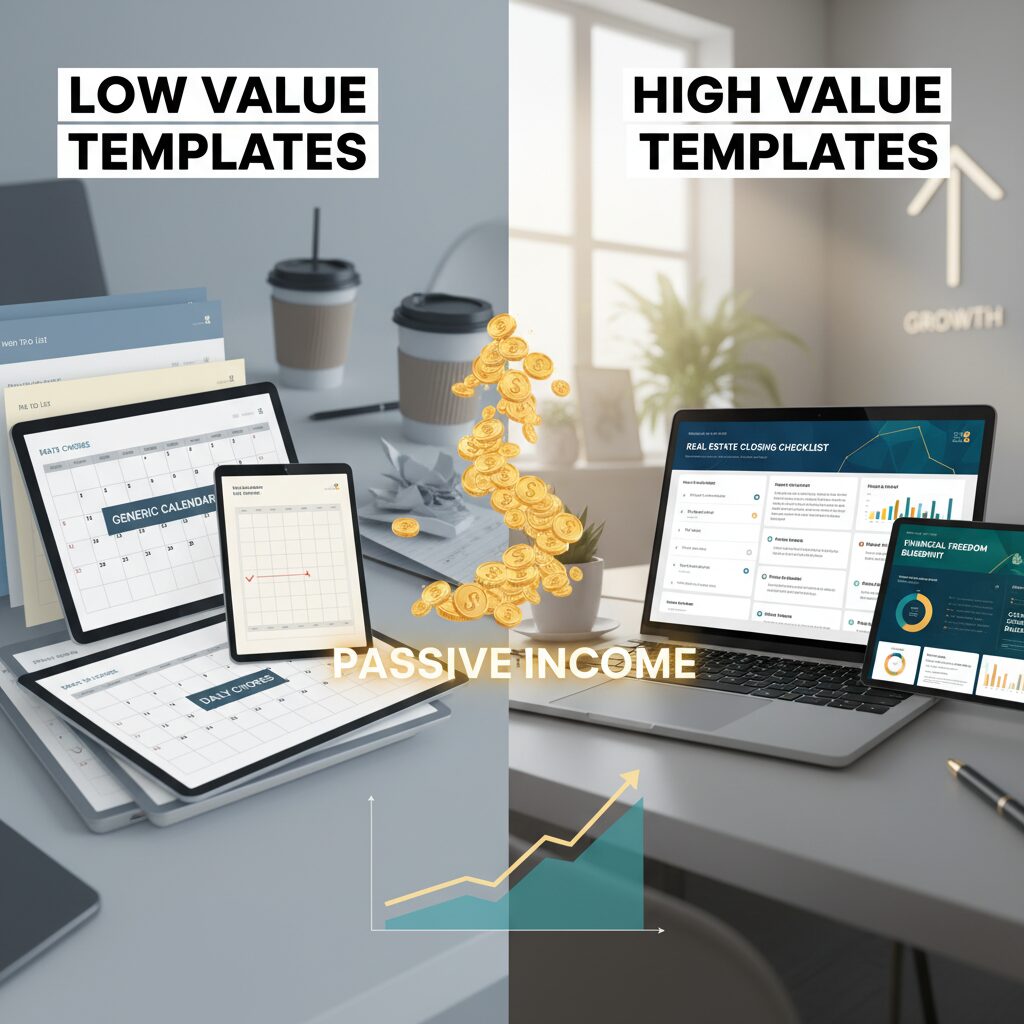
High-Demand Niches for 2025
Based on search volume and market trends, here are the three pillars of profitability right now:
1. The B2B Professional (High Ticket)
Business owners value their time at hundreds of dollars an hour. If your template saves them 5 hours, they will happily pay $50 for it.
- Client Onboarding Kits: (Canva/Notion) Contracts, welcome packets, and intake forms.
- Social Media Content Calendars: (Excel/Notion) Pre-planned strategies for realtors or coaches.
- Excel Dashboards: Automated inventory trackers for small shop owners.
2. The B2C Organizer (Volume Sales)
These sell at a lower price point ($5 – $15) but can achieve massive volume.
- ADHD-Friendly Digital Planners: Designed specifically for neurodivergent brains (high contrast, gamified).
- Home Renovation Trackers: Budgeting and timeline management.
- Wedding Organization: Seating charts, budget calculators, and vendor lists.
3. The Tech Ecosystem (Rising Star)
With the rise of “second brain” software, the market for functional operating systems is exploding.
According to FounderPal, the Total Addressable Market (TAM) for digital productivity tools like Notion templates is estimated at $5 billion globally. This includes templates for Obsidian, Notion, and GoodNotes.
Step 2: Essential Tools for Template Creation
You don’t need expensive software to start. In fact, using accessible tools makes your templates more usable for your customers.
Canva (For Visuals)
Canva is the king of the visual economy. Podbase reports that Canva has reached over 220 million monthly active users in 2025. This creates a massive built-in audience of people who know how to use the software but lack the design skills to start from scratch.
Best for: Social media kits, resumes, media kits, eBooks, and presentation decks.
Notion & Excel (For Function)
If you are analytical, this is your goldmine. Building complex formulas in Excel or databases in Notion allows you to sell “logic.”
Pro Tip: Use ChatGPT to help you write complex Excel formulas. You can prompt it: “Write an Excel formula that calculates the compound interest based on cell B2 (principal) and C2 (rate) over 10 years.” Then, embed that into your template.
AI Tools (The Accelerator)
AI isn’t just for writing text. You can use Midjourney to create unique textures or pattern assets for your digital papers, or use ChatGPT to generate the placeholder text for your marketing templates.
Step 3: Platform Showdown – Etsy vs. Shopify vs. Gumroad
Where should you sell? This is a common stumbling block. My advice is to start where the traffic is, then move to where the profit is.
| Platform | Pros | Cons | Best For |
|---|---|---|---|
| Etsy | Built-in traffic (millions of buyers), trust factor, easy taxes. | Listing fees ($0.20), transaction fees, high competition. | Beginners & Creative B2C templates. |
| Shopify / Stan Store | You own the customer data, 0% listing fees, total branding control. | You must drive your own traffic (hard for beginners). | Established brands & Scaling. |
| Gumroad / LemonSqueezy | Very simple setup, great for software/tech products. | High transaction fees on free plans, less “marketplace” discovery. | Notion templates, Excel tools, B2B. |
Data from Outfy indicates that some individual digital product listings on Etsy have surpassed 200,000 sales each. This volume is hard to replicate on your own website when you are just starting. Therefore, I recommend launching on **Etsy first** to validate your product, then expanding to Shopify once you have an email list.
Step 4: Marketing Your Templates Without Paid Ads
You do not need to burn money on Facebook ads to sell a $15 template. Organic marketing is powerful, but it requires consistency.
Pinterest SEO: The Secret Weapon
Pinterest is not a social media platform; it is a visual search engine. Users go there specifically to plan their lives (weddings, businesses, home renovations).
- Strategy: Create “Pin” images that show the transformation. Don’t just show the spreadsheet; show a stressed person vs. a relaxed person holding the spreadsheet.
- Keywords: Use the same SEO keywords in your Pin title as your product title.
TikTok & Reels: “Behind the Scenes”
According to Kajabi, creator Lauren Keys made $31,000 in 18 months largely by showing her creation process. Consumers love to see how the sausage is made. Record your screen while you organize your life using your own template.
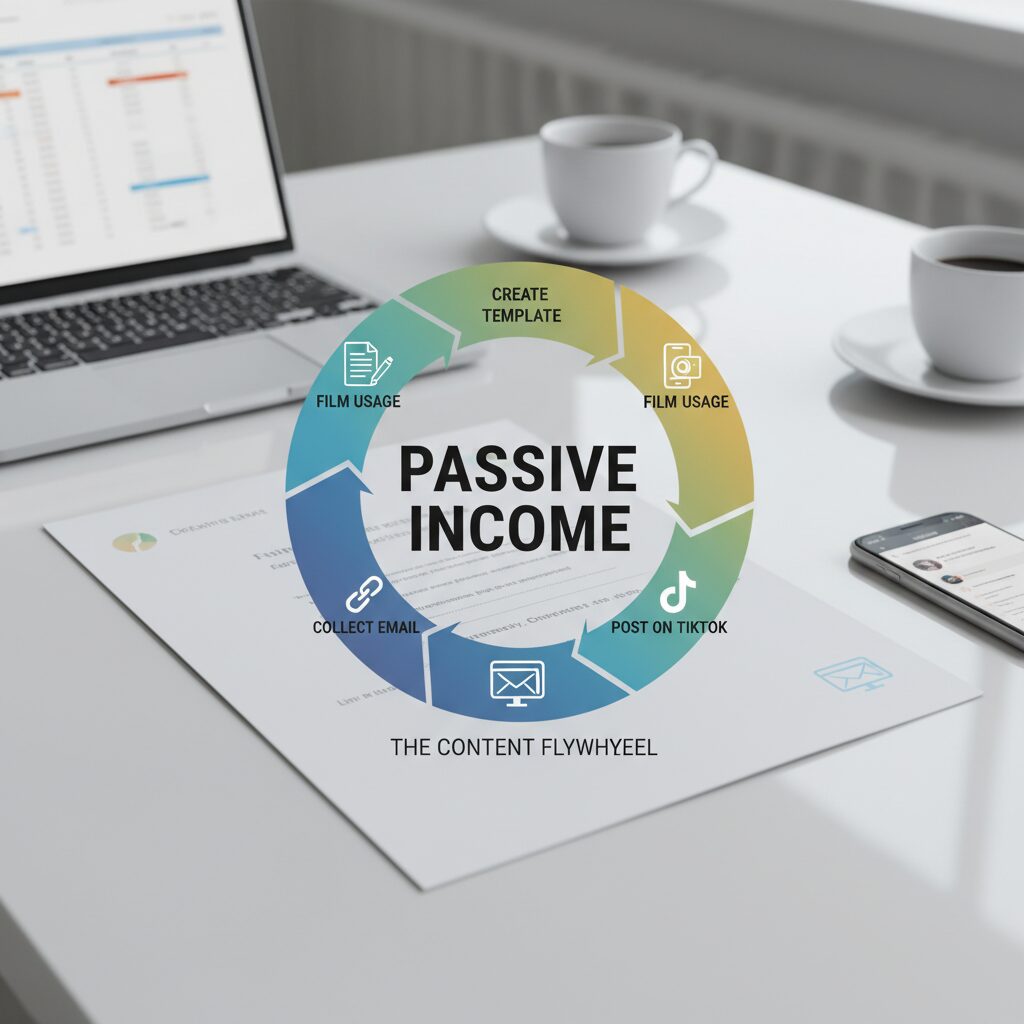
The “Freebie” Funnel
If you plan to sell high-ticket templates (over $50), you need trust. Create a “Lite” version of your template (e.g., a one-page PDF checklist) and give it away for free in exchange for an email address. Then, use email marketing to upsell the full system.
Step 5: Legal & Protection Basics
A common fear is: “What if someone steals my work?” While you can’t prevent piracy 100%, you can deter it.
Licensing Rights
Be crystal clear about what the customer is buying.
- Personal Use: The customer can use the template for themselves but cannot share it.
- Commercial Use: The customer can use the template for their business (e.g., sending a form to a client).
- PLR (Private Label Rights): The customer can resell your template as their own. (Charge a premium for this!).
Copyright Protection
For PDF downloads, password-protect the ability to edit the document using tools like Adobe Acrobat. For Canva templates, ensure you are sharing the “Template Link,” not the “Edit Link,” so customers don’t mess up your master file.
FAQ: Navigating the Digital Template Business
Is selling digital templates still profitable in 2025?
Absolutely. While the “easy money” era of low-quality templates is over, the demand for high-quality, specialized tools is growing. As the gig economy grows to over $1 trillion, more freelancers need templates to run their businesses.
Do I need to be a graphic designer?
No. In fact, “ugly” but functional templates often outsell pretty ones in the B2B space. An Excel spreadsheet that saves a business owner $1,000 in taxes is valuable regardless of how it looks.
How long does it take to make my first sale?
This varies. On Etsy, with proper SEO, you can see sales within 2-4 weeks. On your own site, it depends entirely on your marketing efforts. The key is volume; one product rarely makes a full-time income. Most successful sellers have 20+ listings.
Conclusion: The Asset-Based Approach to Wealth
Selling digital templates is not a “get rich quick” scheme. It is a legitimate business model that leverages the technology of 2025 to decouple your time from your income.
The global economy is shifting. As noted by the IMF, the digital transformation is inevitable. You can either be a consumer of these digital tools, or you can be the one supplying them.
Your Next Steps:
- Identify a problem you have solved for yourself (organizing finances, planning meals, tracking clients).
- Check Etsy and Pinterest to see if others are searching for this solution.
- Create a “Minimum Viable Template” using Canva, Excel, or Notion.
- List it on Etsy to test the market.
The best time to plant a tree was 20 years ago. The best time to upload your first digital product is today.
Ready to Build Your Digital Asset?
Don’t overthink the design. Focus on the utility. Start with one simple template that solves one specific problem, and let the market guide you from there.
